TED Video to Text
Turn any TED talk into a clean, timestamped transcript in under a minute. Because talks are clear, well-rehearsed speech, AI transcription accuracy runs 95%+ — plus one-click summary, mind map, and 5-language translation.
Turn a TED talk into text right here
Paste the talk's YouTube link (most TED talks are on YouTube) — BibiGPT transcribes the audio with AI in under a minute. The live app loads inline.

Workflow (3 steps)
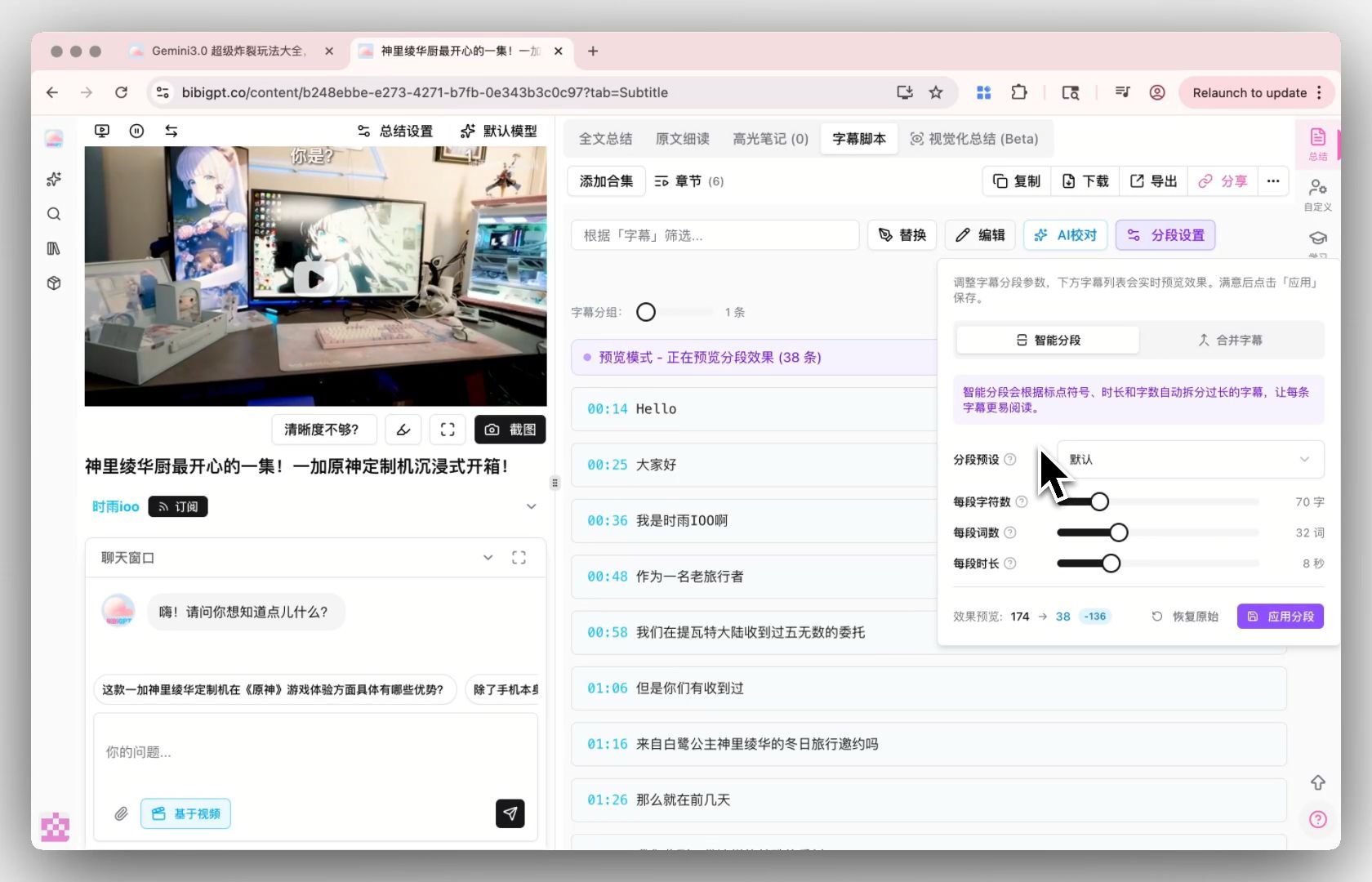
Paste the talk's YouTube link (or upload the file) → BibiGPT transcribes the audio with AI → download a timestamped SRT / TXT / Markdown, or translate and summarize in one click.
Features
Why this beats TED's official transcript
TED publishes official transcripts for many talks — but not all of them, not in every language, and never with the timestamps, summary, mind map, and on-page translation you actually want. BibiGPT gives you all of it from one link.
A transcript for every talk, not just the popular ones
Newer talks, TEDx uploads, and conference talks often have no official transcript. BibiGPT transcribes the audio with AI, so you always get the full text.
Timestamped, so you can jump to the exact moment
Every line carries a timestamp. Reference a specific quote, jump back to a key argument, or build clip-ready notes — TED's plain transcript can't do this.
SRT + TXT + Markdown export
SRT keeps the timestamps for subtitling. TXT is paste-ready plain text. Markdown drops straight into Obsidian / Notion for study notes.
What you get on top of the transcript
If you only need the words, that's one click. If you want to actually study the talk, BibiGPT layers translation, summary, and AI dialog on the same page.
One-click translate to 5 languages
Translate the transcript to Chinese, English, Japanese, Korean, or Traditional Chinese — and download a side-by-side bilingual SRT. TED is classic ESL material, so this turns any talk into a dual-language study sheet.
AI summary and mind map
Skip the rewatch: get a structured summary plus a visual mind map of the talk's argument. Perfect for extracting quotable lines and a clean outline.
Free for daily use
Free users get 3 transcriptions per day, no signup. Plus ($19.8/mo) raises it to 50/day, Pro ($34.8/mo) is unlimited with batch up to 20 URLs.
3 steps to finish
No signup needed for the free tier. Use the embedded tool above — a 15-minute talk transcribes in under a minute.
- 1
Paste the talk's link
Most TED talks are on TED's official YouTube channel — copy that YouTube link. (You can also paste Bilibili or podcast links, or upload a video file.)
- 2
Wait under a minute
BibiGPT transcribes the audio with AI. Because talks are clear, well-rehearsed speech, accuracy runs 95%+ — a 15-minute talk finishes in well under a minute.
- 3
Read, export, or translate
Get a timestamped transcript. Download SRT / TXT / Markdown, copy to clipboard, or one-click translate and summarize.
3 typical scenarios
Built for students, writers and speakers, and language learners who want a talk's ideas without rewatching.
Students & researchers — timestamped notes
Turn a talk into a timestamped, citation-ready transcript. Jump straight to the exact moment of a claim, quote it accurately, and drop the Markdown into your notes.
Writers, speakers & founders — study great talks
Extract the quotable lines and a structured summary of how a great talk is built. Study the argument, steal the structure, build your own.
Language learners — dual-language study
TED is classic ESL material. Get the transcript, then one-click translate for a side-by-side bilingual study sheet — perfect for shadowing and vocabulary.
Loved by creators, students & researchers
Why people use BibiGPT to turn videos into text every day.
Trusted by 50,000+ users worldwide
“I paste a link and get clean captions in seconds — it saves me hours of retyping every single week.”
Maya R.
Content Creator · Repurposes short videos
“Exporting the transcript lets me review new words at my own pace instead of pausing the video constantly.”
Daniel K.
Language Learner · Studies with real videos
“Accurate, timestamped text I can quote directly. It has quietly become part of my daily workflow.”
Priya S.
Researcher · Cites public talks
FAQ'S
Frequently Asked Questions
Ask us anything!
Popular guides
 1
1 How to Install Skills in DeepSeek Harness: A Hands-On Guide to Teaching dsh to Watch Videos
Install a video-summary skill into DeepSeek Harness in one copy-paste — SKILL.md matches Claude Code. Or skip dsh: paste a Bilibili or YouTube link in the browser and get a timestamped summary.
 2
2 Bilibili AI Video Summary Tool: BibiGPT Summarizes 30+ Platforms Instantly (2026)
Best Bilibili AI video summary tool 2026? Compare 5 options, then paste a Bilibili link for a free AI recap, mind map, and transcript-style takeaways — no login needed.
 3
3 Bilibili Transcript Tools Compared: Best Subtitle Extractors in 2026
Extract Bilibili subtitles free: paste a BV/av link for a transcript even with no captions. Compare 5 tools for SRT export and AI summary. No signup to start.
Turn a TED talk into text right now
Paste the talk's YouTube link — BibiGPT transcribes the audio with AI in under a minute. Timestamps, summary, copy-ready text. Free, no signup.